Instruction Guide to JustBlocked
Your complete handbook for call blocking peace of mindGetting started with JustBlocked
Install JustBlocked from your app store, walk through the permission wizard, and set it as the default call screening service (Android) or enable the CallKit extension (iOS). With permissions granted, the dashboard displays recent calls and quick toggles so you can silence spam before it rings.
Build smart block lists that stay current
Tap Add Number to block callers individually or import your log to capture repeat offenders, then enable community spam intelligence for daily privacy-friendly updates. Advanced filters stop toll-free prefixes or foreign country codes—exactly what searchers of “how to block spam calls automatically” and “best robocall blocker” want to see.
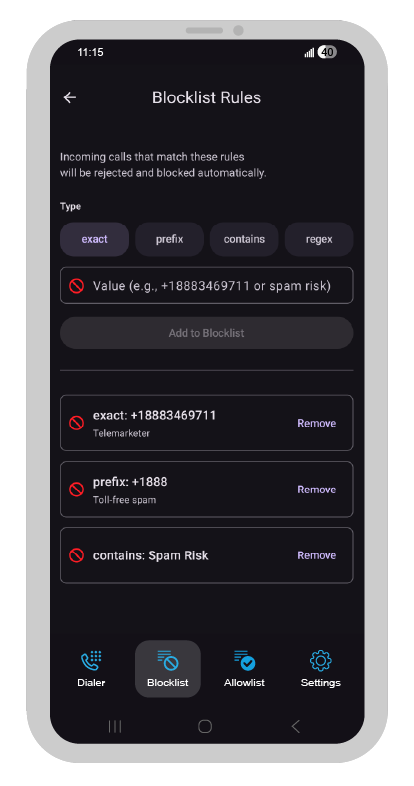
Use aggressive answer + hang up when needed
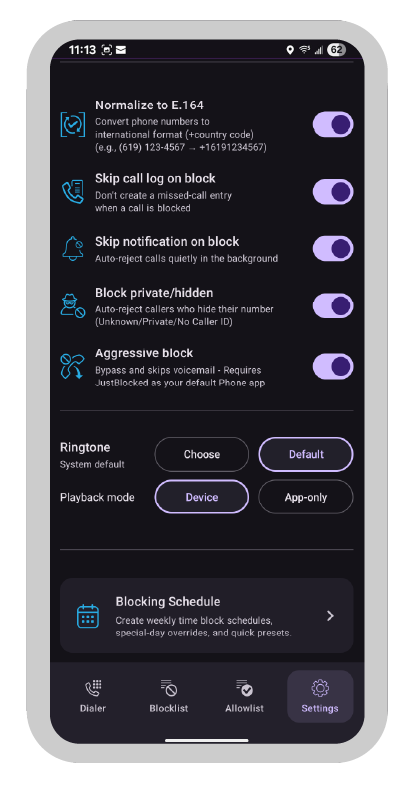
The optional Aggressive answer + hang up mode silently accepts a blocked call, triggers the spam dialer, and ends it within a heartbeat—ideal for “stop spam callers from ringing” searches. Enable it in Call Handling, set the hours you want it active, and pause the toggle from the notification shade whenever you expect a new verification call.
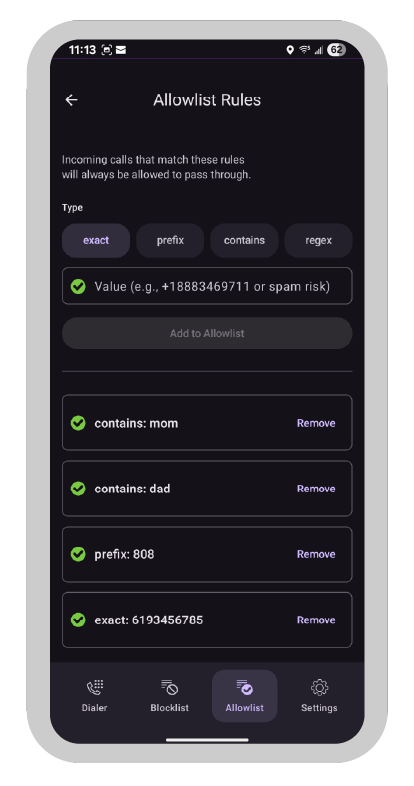
Keep VIPs ringing with the allowlist
The VIP Allowlist keeps crucial calls ringing by letting you add family, doctors, or service providers manually, sync favorites, or whitelist calendar numbers temporarily. A green banner confirms each bypass, while a quick swipe removes mistakes—answering searches like “how to whitelist numbers in call blocker.”
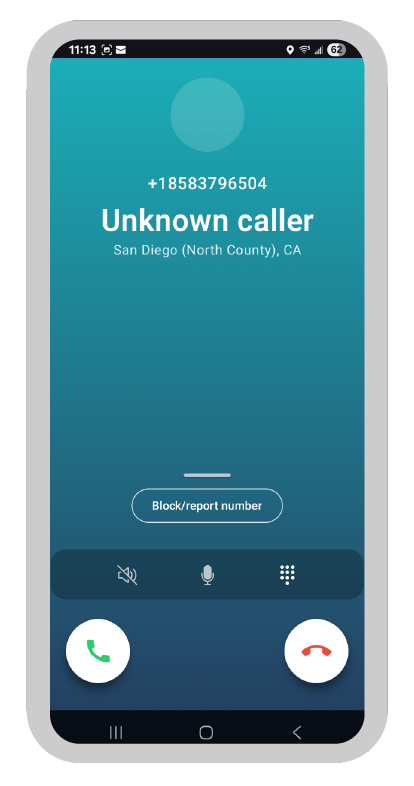
See the truth with the caller ID overlay
The floating caller ID overlay sits on top of every screen with the number, saved contact name, and a confidence badge such as “Likely business” or “Known spam.” Tap for more detail, drag it to any corner, shrink it to a dot for presentations, or download offline lookup packs before traveling so “identify unknown number” searches end immediately.
Integrated Phone Dialer
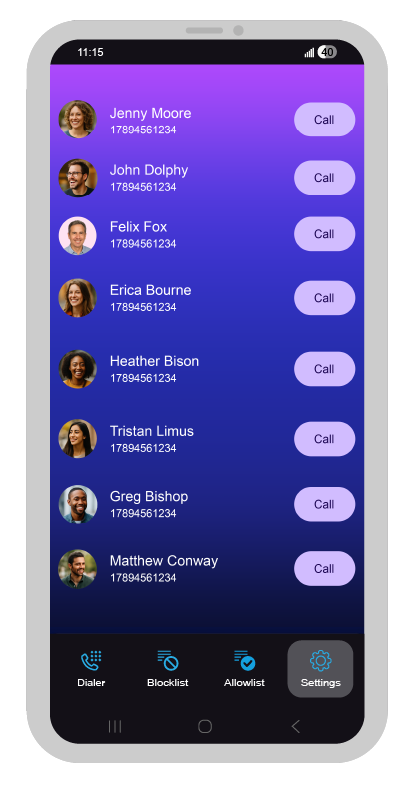
The Integrated Phone Dialer replaces juggling between apps with one streamlined keypad, contact search, and spam defense that lives inside JustBlocked. Start by tapping the dialer tab to reveal a spacious keypad with predictive search above it—type a few letters or digits and the app surfaces saved contacts, recent callers, and verified business listings, so “how do I call back safely” searchers get instant reassurance.
Every action is tuned for ease: large buttons respond with crisp haptics, dual SIM selectors stay visible, and swipe gestures expose favorites or voicemail without extra menus. When you place a call, JustBlocked’s caller ID intelligence keeps working, flagging suspicious numbers before you press dial and auto-recording contextual notes once the call ends. It even supports voice commands for hands-free dialing and automatically syncs with your allowlist, making it the answer to “best phone dialer with spam blocking” and “simplest integrated calling app” queries.
Schedule quiet hours for total focus
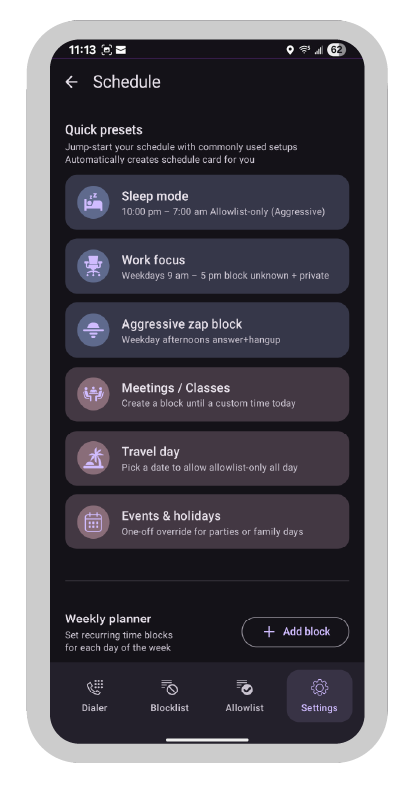
Quiet Hours silence everything except VIPs during the times you choose—perfect for “silence spam calls at night” searches. Pick presets like Workday Focus or build your own schedule, watch for the moon icon when it activates, and long-press the app icon to allow all calls for 30 minutes whenever plans change.
Frequently asked questions
Does JustBlocked work offline?
Yes—core filtering runs on-device, and you only connect to download optional spam updates or reverse lookup packs.
Will blocking calls affect voicemail?
Blocked numbers skip voicemail unless whitelisted, while VIPs and accepted callers continue leaving messages normally.
How do I pause blocking fast?
Use the notification shade (Android) or Control Center (iOS) toggle to pause for 15 minutes or pick a longer window.
Can I sync my rules across devices?
Enable encrypted backup in Settings > Backup & Sync; leave it off if you prefer a completely offline setup.
This guide is crafted for popular searches such as “configure JustBlocked,” “spam blocker tutorial,” and “step-by-step call screening setup,” delivering jargon-free instructions for reclaiming your phone time.